Refrigerator Not Cooling? 9 Causes and Fixes, Easiest First
Refrigerator warm but still running? Check settings, Demo mode, vents, door seals, coils, and frost on the freezer wall before you call a technician.
A refrigerator that runs but will not cool usually has one of a short list of problems: a setting or mode that stops cooling, blocked air vents, a leaking door seal, a hot or cramped location, dirty condenser coils, or frost that has choked off airflow from the freezer. Most of these you can check yourself in under an hour. If the freezer is cold but the fresh-food section is warm, start with the vents and the frost check, because that pattern usually means cold air is not getting from the freezer into the refrigerator.
Quick guide: what the symptom points to
| What you notice | Most likely area to check first |
|---|---|
| Lights work, nothing cools at all | Demo or Showroom mode, cooling switched off, or a power reset needed |
| Freezer cold, refrigerator warm | Blocked vents, frost on the freezer back wall, or the fan that moves air between compartments |
| Both sections a little too warm | Setting, door seals, room temperature, clearance, condenser coils |
| Warm after a big grocery run or a new install | Normal recovery time; wait before changing anything |
| Error code on the display | Follow the brand’s instructions for that code; LG says its fan codes usually point to ice |
1. Confirm how warm it really is
Cold air rushes out when you open the door, so the inside can feel warm even when the food is fine. Samsung suggests touching metal or glass containers rather than judging the air.
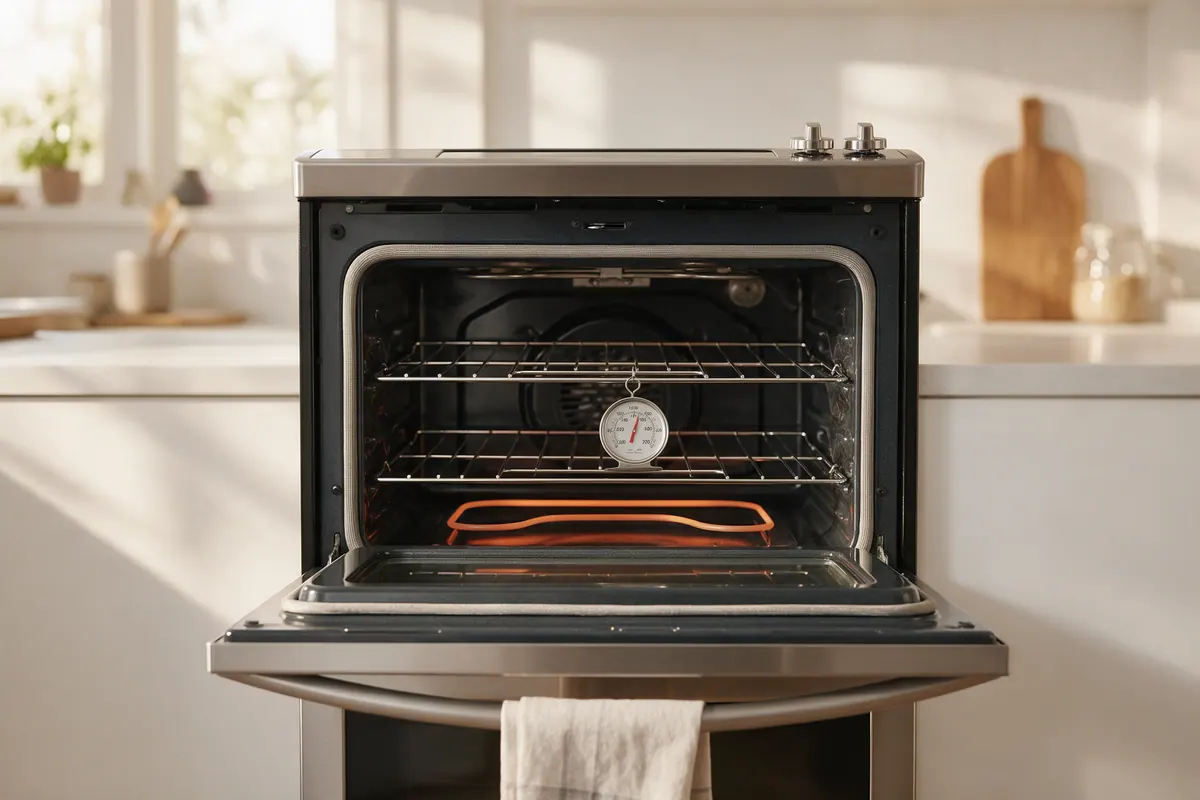
- Put an appliance thermometer on a middle shelf and leave the door closed for several hours.
- Compare the reading with the FDA’s targets: 40°F (4°C) or below in the refrigerator and 0°F (-18°C) in the freezer.
- Read it again after any change you make below.
2. Rule out Demo, Showroom, or Cooling Off mode
Many refrigerators have a store-display mode that keeps the lights and display on but shuts off cooling. Whirlpool calls it Showroom or Demo mode. Samsung calls it Cooling Off mode and says the display may show OF OF, O FF, OFF OFF, or scrolling temperature bars.
- Look at the control panel for one of those words or patterns.
- Exit the mode with the button sequence in your owner’s manual; it varies by model.
- Check that cooling was not turned off. Whirlpool notes that some refrigerators must be switched back on manually after a power outage or surge, and cooling can be turned off by accident during cleaning.
If the unit was serviced recently, GE says it may still be in diagnostic mode. Disconnecting power for 30 seconds resets the control on its models.
3. Check the setting, then give it time
Whirlpool presets its controls to a middle setting at the factory, and GE presets about 37°F for fresh food. If yours has been bumped warmer, move it one step colder, then wait.
- Whirlpool says to wait at least 24 hours between adjustments.
- Samsung says some of its models need up to 4 hours to show the new setting on the display and up to 28 hours to reach it with the doors closed.
- A newly installed refrigerator needs about 24 hours to cool down, according to both Whirlpool and GE.
- A big load of room-temperature groceries warms everything; Whirlpool says it can take several hours for the temperature to stabilize.
4. Clear the air vents and do not overpack
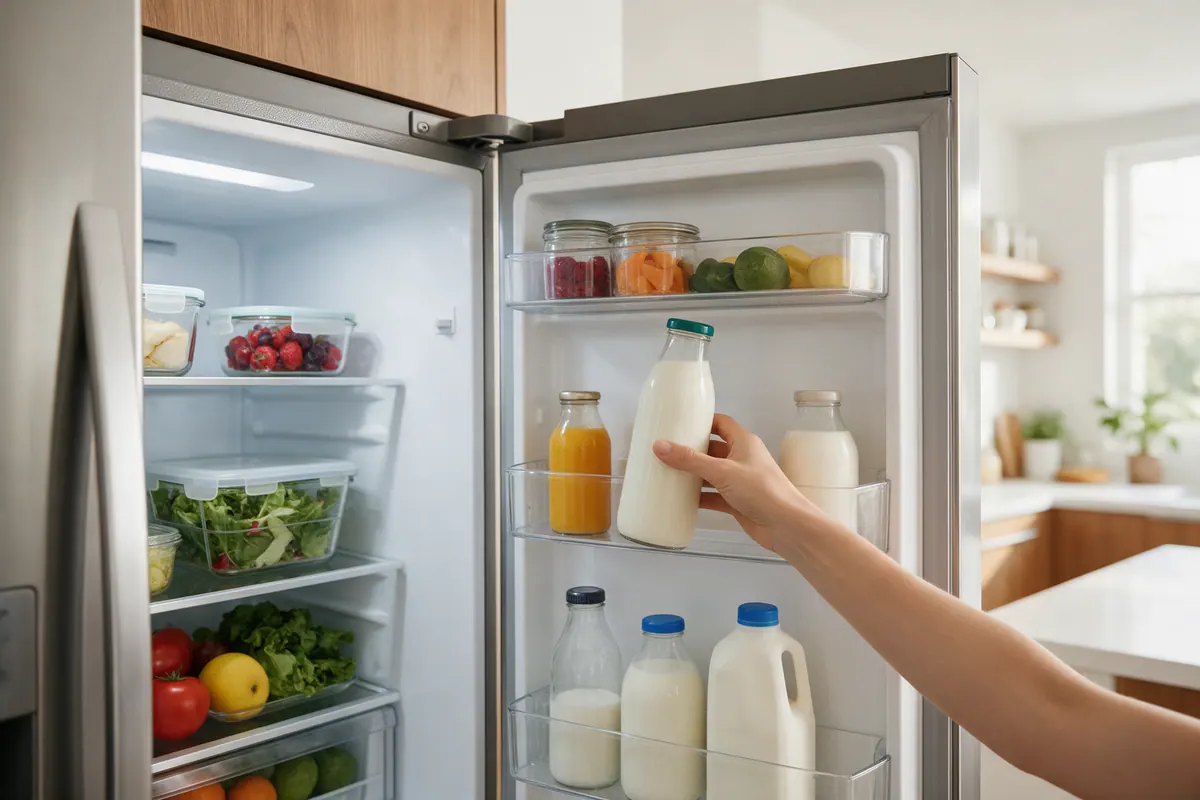
In most refrigerators, the cold air is made in the freezer and pushed into the fresh-food section through vents. Whirlpool explains that when return vents are blocked by bulky items, the cycle breaks and the refrigerator section can run warm, while items right in front of a vent may freeze.
- Find the vents on the back wall of the fresh-food section and between the two compartments.
- Move tall bottles, pizza boxes, and platters forward. GE specifically calls out large containers at the back as a common cause.
- Leave small gaps between items. Samsung recommends keeping food about 2 inches away from interior vents.
A reasonably full refrigerator holds its temperature better than an empty one; Samsung recommends keeping it at least two-thirds stocked.
5. Test the door seals and how the doors close
A leaky gasket lets warm, humid air in all day. Signs include frost or condensation along the inside edge near the seal, which Samsung says marks a likely gap.
- Close the door on a dollar bill or a strip of paper at several points around the frame.
- Pull it out. You should feel slight resistance. If it slips out easily, clean the gasket with a damp cloth and mild dish soap and test again.
- Check that the doors close on their own. GE says to adjust the leveling legs or rollers so the front sits slightly higher than the back, until a door opened halfway swings shut by itself.
- Close the door slowly and watch the light. On most GE models it should go out when the gap is about 1 inch. A light that stays on adds heat and is a sign the door is misaligned.
6. Check the room temperature and air clearance
- Whirlpool rates its refrigerators for rooms between 55°F (13°C) and 110°F (43°C). GE says its units may not cool properly below 60°F or above 110°F. That is why an indoor model in an unheated garage can struggle.
- Keep the refrigerator away from ovens, radiators, and direct sun, and do not block the base grille.
- Check the clearance in your manual. GE says at least 1 inch on each side, the top, and the back is typical; Samsung recommends 2 inches.
7. Clean the condenser coils (if your model has cleanable coils)
Dusty coils make the cooling system work harder, but not every model needs cleaning.
- GE says most of its refrigerators made since 2001 have a NeverClean condenser that does not need cleaning. Compact models and smaller top-freezer models still have coils to clean.
- Whirlpool says coils may need cleaning as often as every other month in a greasy or dusty home or one with pets. Its side-by-side guidance notes that some models need no condenser cleaning and others can only be cleaned by a technician.
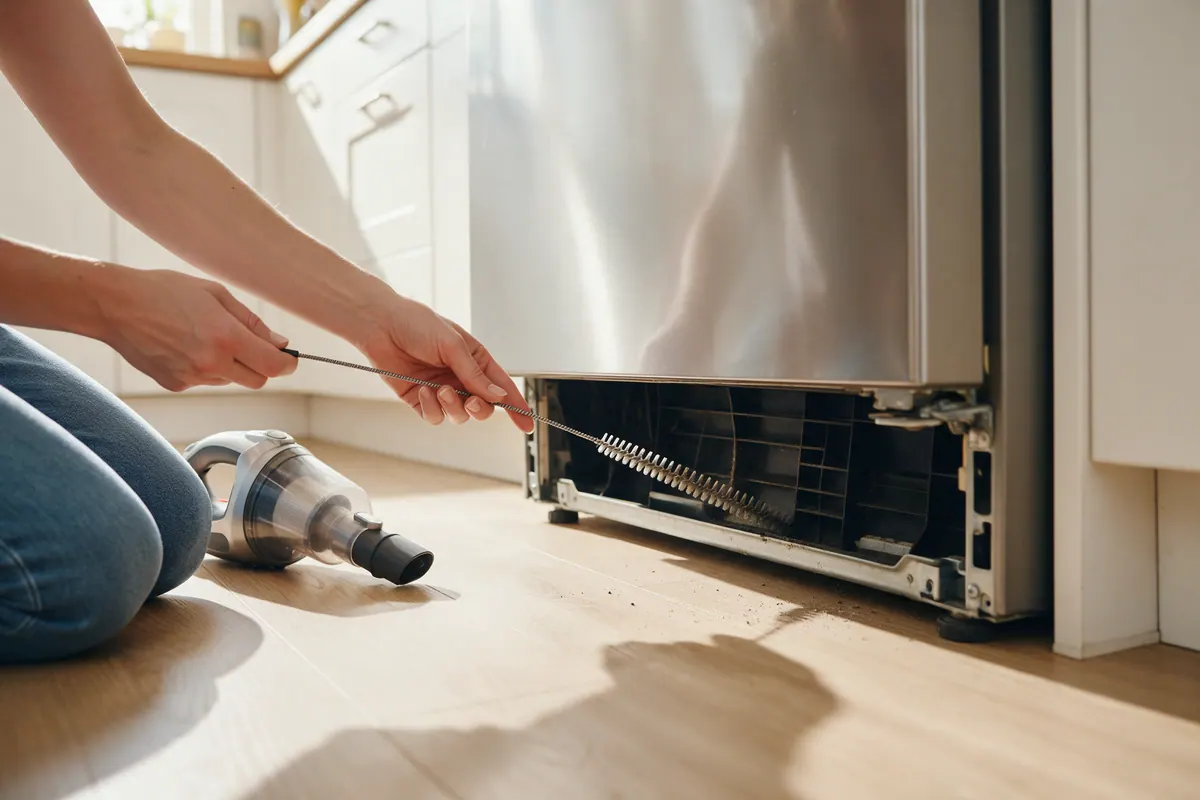
On models with coils behind the base grille, Whirlpool’s steps are:
- Unplug the refrigerator.
- Remove the base grille (on many models, two Phillips-head screws).
- Vacuum the grille, the open area behind it, and the front of the condenser with a soft brush attachment.
- Reinstall the grille and plug the refrigerator back in.
Condenser fins can be sharp, so wear gloves. For a full schedule, see our refrigerator maintenance checklist.
8. Look for frost on the freezer back wall
This is the classic cause of a cold freezer and a warm refrigerator: frost or ice on the cooling coil or around the fan stops air from reaching the fresh-food section.
What to look for:
- Frost or ice covering the vents or back wall of the freezer, or the vents on the back of the refrigerator section.
- A fan that thumps, buzzes, or has gone quiet.
- A fan error code. LG says ER FF means the freezer fan motor is not working properly and ER rF means the refrigerator fan motor is not, usually because ice is stopping the fan from turning.
How to clear it (LG’s method; check your own manual for model-specific steps):
- Move food to another refrigerator or a cooler with ice packs.
- Lay dry towels around the base to catch meltwater.
- Unplug the refrigerator and leave both doors fully open for at least 24 hours. LG says it can take about a day in summer and up to three days in winter.
- Wipe the interior dry, plug it back in, and allow 24 to 48 hours to reach normal temperature.
LG warns against using a hair dryer, which can warp plastic parts or create a fire hazard.
9. Power cycle the refrigerator and watch for a code
- Unplug the refrigerator or switch off its breaker for about 2 minutes, as Samsung recommends, then restore power.
- Watch the display. Samsung says its refrigerators run a self-test on restart and show an error code if they detect a problem.
- Check the temperature after about 3 hours. Samsung says that is usually enough to see the temperature start to drop (about 2 hours with Power Cool on).
If an error code appears, look it up for your exact model; codes and their meanings vary by brand and model. Our error codes hub is a good starting point.
Is the food still safe?
Go by temperature, not smell. FoodSafety.gov says to discard perishable food such as meat, poultry, fish, eggs, and leftovers that has been above 40°F (4°C) for 2 hours or more (1 hour if the temperature is above 90°F). Freezer food that still has ice crystals or is at 40°F (4°C) or below can be refrozen or cooked.
While you troubleshoot, keep the doors shut. FoodSafety.gov says an unopened refrigerator keeps food cold for about 4 hours without power, and a full freezer holds its temperature for about 48 hours (24 hours if half full). Move perishables to a cooler with ice if the repair will take longer.
When it is probably not a DIY fix
Call a qualified technician if:
- The temperature stays above 40°F (4°C) for a full day after you have fixed settings, vents, seals, and clearance.
- The compressor runs but neither compartment gets cold, or the refrigerator does not run at all even though the lights work.
- A fan stays silent, or frost returns soon after a complete defrost.
- An error code comes back after a reset.
- You suspect the compressor, start relay, evaporator fan, condenser fan, or control board. Whirlpool says repairing or replacing internal parts like these should be left to a professional.
- There is any sign of a refrigerant leak. Sealed-system work requires a certified technician.
GE recommends leaving the refrigerator plugged in until the technician arrives so the symptoms are still present for diagnosis. If you defrost it first, tell the technician what you saw and when.
For an older unit, weigh a big repair against replacement with our repair or replace guide and the appliance lifespan page.
Related reading
- If the ice maker also stopped, see ice maker not working: how to fix it.
- Browse more refrigerator guides and repair guides.
- Add coil cleaning and seal checks to the maintenance calendar so this does not happen again.
Step-by-step summary
- Measure the real temperature. Put an appliance thermometer on a middle shelf and read it after several hours with the door closed. The FDA recommends 40°F (4°C) or below in the refrigerator and 0°F (-18°C) in the freezer.
- Rule out Demo, Showroom, or Cooling Off mode. Check the display for Showroom, Demo, or OF OF. In these modes the lights work but nothing cools. Exit the mode using your owner's manual, and confirm cooling was not switched off after a power outage or cleaning.
- Check the setting and give it time. Set the control one step colder and wait at least 24 hours before judging the result. New installs and big grocery loads also need hours to stabilize.
- Clear the air vents. Move tall or bulky items away from the vents on the back wall and between compartments so cold air from the freezer can circulate.
- Test the door seals and door closing. Close the door on a dollar bill in several spots. If it slides out with no resistance, clean the gasket with mild soap and water, check that the fridge is level, and make sure the light goes off just before the door closes.
- Check the room temperature and clearance. Make sure the room stays within the range your manual allows, the fridge is away from ovens and sunlight, the base grille is not blocked, and there is air clearance at the sides, top, and back.
- Clean the condenser coils if your model has cleanable coils. Unplug the refrigerator, remove the base grille if your manual says to, and vacuum the grille and condenser with a soft brush. Many newer models have coils that do not need routine cleaning.
- Look for frost on the freezer back wall. Heavy frost or ice on the back wall or vents can block the fan and airflow. Move food to a cooler, unplug the unit, and leave the doors open until the ice melts on its own, then allow 24 to 48 hours to cool down.
- Power cycle the refrigerator. Unplug it or switch off the breaker for about 2 minutes, then restore power and watch for an error code. Check whether the temperature starts dropping within a few hours.
Tools and supplies mentioned
Taylor Classic Fridge/Freezer Thermometer (5924)
by Taylor
An analog dial thermometer that hangs or stands on a shelf, so you can see the actual refrigerator or freezer temperature before you change settings or book a repair.
Fit check: Measures appliance air temperature, not food. Hand wash only.
Frequently asked questions
Why is my freezer cold but my refrigerator warm?
In most refrigerators the cold air is made in the freezer and blown into the fresh-food section through vents. If those vents are blocked by food or frost, or the fan that moves the air stops, the freezer stays cold while the refrigerator warms up.
How long does a refrigerator take to cool after I change the temperature setting?
Give it at least a day. Whirlpool says to wait at least 24 hours between adjustments, and Samsung says some models can take up to 28 hours to reach a new set temperature if the doors stay closed.
How long should I leave a refrigerator unplugged to defrost a frozen fan?
LG recommends leaving it unplugged with both doors fully open for at least 24 hours, and says it can take up to three days in winter if there is a lot of ice. Let the ice melt on its own instead of using a hair dryer.
Is the food safe if my refrigerator stopped cooling?
FoodSafety.gov says to discard perishable food such as meat, poultry, fish, eggs, and leftovers that has been above 40°F (4°C) for 2 hours or more. Check with an appliance thermometer, and when in doubt, throw it out.
Do newer refrigerators need their condenser coils cleaned?
Not always. GE Appliances says most of its refrigerators made since 2001 have condenser coils that do not need cleaning, while compact and smaller top-freezer models still do. Your owner's manual says which type you have.
Sources
- Whirlpool Product Help: Not Cooling (Refrigerator)
- Whirlpool Product Help: Not Cooling, Refrigerator Section, Side by Side Refrigerator
- GE Appliances: Refrigerator - Not Cooling Enough
- GE Appliances: Refrigerator - Does Not Run or Cool
- GE Appliances: Refrigerator - Cleaning Condenser Coils
- Whirlpool: Why Is My Refrigerator Not Cooling? 7 Possible Causes and Fixes
- Samsung US Support: Cooling issues with Samsung refrigerator or freezer
- LG USA Support: How to Fix ER FF and ER rF Error Codes on Your LG Refrigerator
- FoodSafety.gov: Food Safety in a Disaster or Emergency
- FDA: Are You Storing Food Safely?