Troubleshooting & Error Codes Ranges & Ovens
Samsung Oven Error Codes: What C-24, C-F0, C-10, -dC-, tESt and bAd LinE Mean (Range and Wall Oven)
Samsung oven error codes explained from Samsung's own support pages: what C-24, C-F0, C-10, -dC-/-dE-, door, tESt and bAd LinE mean, and the reset to try first.
Samsung oven error codes mostly point to something you can fix in a few minutes: C-24 means the oven is heating faster than normal, usually because the vent at the back of the cooktop is covered, and -dC- or -dE- means the Flex Duo divider isn’t seated. tESt means the range is in Demo mode and won’t heat, and C-F0 is a communication error that a firmware update fixes on some induction models. For any code that isn’t on Samsung’s list, the fix is a power reset, then a 30-second breaker reset, then a service call if it comes back.
This guide covers the codes on Samsung US Support’s range and wall oven error-code page, what each one means, and what Samsung says to check. It’s worth reading before Thanksgiving, when the oven runs for hours, a roasting pan gets parked on the cooktop, and the divider goes in and out for side dishes.
How to clear a Samsung oven error code
Samsung’s reset for any code that isn’t listed below:
- Turn the range off with the Power button, then turn it back on.
- If the code returns, switch off the range’s circuit breaker, wait 30 seconds, and switch it back on.
- If the code returns again, request service.
A reset only clears the message. If something is still causing the fault, such as a blocked vent or a loose divider, the code will come back, so fix the cause first using the table.
Samsung oven error code table
| Code | What Samsung says it means | What to check |
|---|---|---|
| C-24 | Oven temperature is rising faster than normal | Clear the vent at the back of the cooktop; let hot air out |
| C-F0 | Communication error between the range’s electronics | Reset power; on NSI6D*9100, 9300 or 9500 induction ranges, update firmware through SmartThings; otherwise request service |
| C-10 | Shows during a SmartThings self-diagnosis | Ignore it if it only appears during the test and the oven heats normally; reset if it appears during cooking |
| -dC- or -dE- | Flex Duo partition isn’t installed properly | Push the divider all the way in at the correct rack position; check the partition switch |
| door | The door isn’t closed | Close it fully; check the door plunger switch moves freely |
| tESt or tE5t | Demo mode; oven and cooktop won’t heat | Turn off Demo mode using your manual |
| bAd LinE | Power connection isn’t connected properly | Have the installer or an electrician check the connection |
| Underlined u | Induction pan detection error | Use compatible cookware, centered on the element |
| Cooktop in use | A burner or element is on while you try to start Self Clean | Turn every burner or element off, then start Self Clean |
| Any other code | Not covered by a home fix | Power off and on, then breaker off for 30 seconds, then service |
C-24: oven heating faster than normal
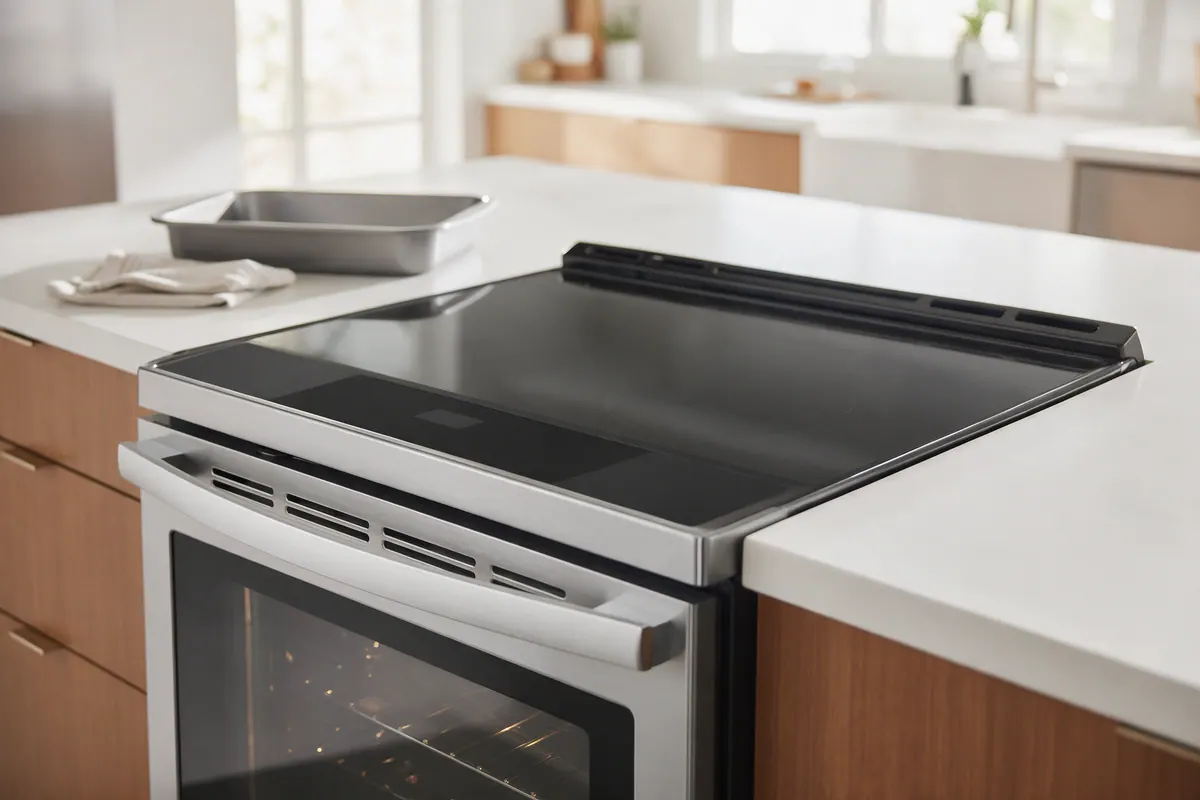
Samsung says C-24 means the temperature sensor has detected the oven temperature rising faster than normal, and the usual cause is the vent on the back of the cooktop being blocked or partly blocked. On a holiday this often happens when a roasting pan, sheet pan or pot is parked over the vent.
- Remove whatever is covering the vent.
- If you’re still cooking, open and close the oven door a few times, for about 3 seconds each time. Samsung says this releases warm air and pushes some out through the vent.
- Or turn the oven off and leave the door open for 1 minute to let it cool.
If C-24 keeps coming back with the vent clear, use the reset steps above and request service if it returns.
-dC- or -dE-: Flex Duo divider not seated
These codes appear on Samsung dual-oven (Flex Duo) models when the partition isn’t installed properly. Samsung says the code also shows if you started cooking before you inserted the partition, so check your manual for which modes work in Twin mode.
- If the partition is in the oven, take it out and reinstall it, pushing it in all the way.
- Use the right slot: Samsung says the third position from the top on electric and dual-fuel models, or the fourth from the top on gas models.
- If the partition isn’t in the oven, make sure nothing is pressing on the partition switch at the back of the oven.
Samsung also notes that Self Clean, the temperature probe and many other functions won’t work while the partition is in, and Twin Cooking only works with it in. If you’re shopping for a dual-oven range before the holiday, our Samsung Flex Duo vs. LG double oven comparison covers how the two designs differ.
tESt or tE5t: why your Samsung oven won’t heat
If the display shows tESt or tE5t, the range is in Demo mode. The oven and cooktop won’t heat, although Samsung says a gas cooktop will still ignite. Some models show a d or a D icon instead, and wall ovens with an LCD screen show DEMO at the top of the display. Demo mode is sometimes left on from a showroom floor or turned on by accident.
Turn it off with the steps in your user manual. Samsung says to contact it with your model number if your manual doesn’t include them.
If there’s no Demo indicator and the display stays stuck at 150°F after you press Start, Samsung says the oven isn’t heating. Check that the door wasn’t left open (the oven shuts off if it is), try a 30-second breaker reset, and see our guides to an electric oven not heating or a gas oven not heating while the burners work.
C-F0: communication error (and the induction firmware fix)
C-F0 means a communication error between components in the range’s electronics. On induction models NSI6D9100, NSI6D9300 and NSI6D*9500, Samsung has a software update that fixes it without a service visit:
- Reset power to the range so the code temporarily goes away.
- Connect the range to the SmartThings app.
- If the range wasn’t connected before, open the range’s settings menu by pressing and holding Light for more than 3 seconds, go to Restart, and restart the range.
- Samsung says the range will start an update within about 30 minutes. The display shows “Upgrading Up to 30 minutes required,” then “Completed,” and then the range restarts.
- Check the firmware version in SmartThings. It should be DE92-04769A_24052400 or later.
If your model can’t connect, no update is available, or C-F0 comes back after the update, request service.
C-10, door and bAd LinE
- C-10 appears during a self-diagnosis run in the SmartThings app, and Samsung says it isn’t a real fault if the oven heats normally. It can trigger when the oven starts the test very cold or very hot. If C-10 shows up on its own during regular cooking, try a reset.
- door means the door isn’t closed. If it shows with the door shut, check the door plunger switch, a round black plastic cap with a pin that sticks out about ¾ inch when the door is open. It should move freely when you press it. If it doesn’t extend or is stiff, request service.
- bAd LinE means the power connection isn’t connected properly. Samsung points you to the installation manual or a professional installer. This is a wiring job, not a reset; don’t open the terminal block yourself.
Other messages that look like errors
- Hot means the oven is too hot for the function you picked, such as Self Clean. Let it cool.
- Loc or a padlock icon means Control Lock is on. The steps to turn it off are printed on the panel or in your manual.
- Door locked after cooking. Samsung says the door locks when the oven is too hot. Let it cool, turn the range on and wait a moment, then try a 60-second breaker reset before requesting service.
- Blank, blinking or partial display. Samsung says to confirm the range has power, switch the breaker off for 60 seconds, and request service if it continues. Wall oven displays also go blank after a period of inactivity; touch the display to wake it.
Before Thanksgiving: test the oven and check the knob recall
The best time to find a code is a few days before the holiday, not with a turkey in the pan.
- Run a preheat test. Samsung’s own check is to put one empty rack in a room-temperature oven, set it to 350°F, and time how long it takes to beep without opening the door. It should beep within 20 minutes. Samsung says not to judge this with an oven thermometer, because ovens normally cycle above and below the set temperature (about 330 to 370°F at a 350°F setting). Electric ranges also preheat more slowly if the home supplies less than 240 volts.
- Calibrate if food cooks hot or cold. Samsung says many models let you adjust the temperature by up to 35°F in either direction, through Thermostat Adjustment in the Settings or Options menu, or by holding two buttons until ADJ 0 appears. Your manual has the exact steps.
- Don’t self-clean right before the holiday. Run any Self Clean cycle weeks ahead, as our oven cleaning guide explains, so there’s time for a repair if something goes wrong.
- Check the 2024 knob recall. In August 2024, Samsung and the CPSC recalled about 1.12 million slide-in electric ranges with front-mounted knobs that people or pets can turn on by accident (recall 24-335). Recalled models include NE58 and NE63 slide-in models; the full list is on the CPSC recall notice. Samsung sends free knob locks or covers. Until you have them, the CPSC says to keep kids and pets away from the knobs, check that the knobs are off before you leave or go to bed, and never leave anything on top of the range. That last one matters on a crowded holiday counter.
For GE and Whirlpool ranges, see our GE and Whirlpool oven error codes guide. Our maintenance calendar covers routine range care through the year.
When a Samsung oven code needs a technician
Request service if:
- the same code comes back after a power reset and a 30-second breaker reset;
- C-F0 persists after the firmware update, or your model has no update;
- the door plunger switch is stuck or the door still reads open when closed;
- bAd LinE appears, which needs the installer or an electrician to check the power connection;
- the oven takes longer than 20 minutes to preheat to 350°F with one empty rack (and the home has 240 volts on an electric model);
- you smell gas, see scorching or hear arcing. Turn the range off and don’t use it until it’s inspected; for gas, leave the house and call your gas utility from outside.
Step-by-step summary
- Write down the exact code. Note the code exactly as the display shows it, including dashes, and look it up in the table. Samsung lists only the codes that have a home fix; anything else goes straight to the reset steps.
- Rule out codes that aren't faults. tESt or tE5t means Demo mode, door means the door isn't closed, and Cooktop in use means a burner is on while you try to start Self Clean. Fix the setting or condition and the code clears.
- Fix the condition behind the code. For C-24, clear anything covering the vent at the back of the cooktop and let hot air out. For -dC- or -dE-, seat the Flex Duo divider fully in the correct rack position. For C-F0 on NSI6D*9100, 9300 or 9500 induction ranges, update the firmware through SmartThings.
- Turn the range off and on. For any other code, Samsung says to turn the range off and back on with the Power button.
- Reset the circuit breaker. If the code comes back, switch the range's circuit breaker off, wait 30 seconds, and switch it back on.
- Request service if it returns again. If the same code returns after the breaker reset, request service from Samsung or a qualified technician rather than continuing to reset it.
Frequently asked questions
How do I reset a Samsung oven error code?
Samsung's reset is two steps: turn the range off and back on with the Power button, and if the code returns, switch off the circuit breaker for 30 seconds and switch it back on. If the code comes back a third time, Samsung says to request service.
What does C-24 mean on a Samsung oven?
Samsung says C-24 means the temperature sensor saw the oven heating faster than normal, usually because the vent at the back of the cooktop is blocked or partly blocked. Remove anything covering it, such as a pan, then open and close the door a few times for about 3 seconds each, or turn the oven off and leave the door open for 1 minute.
Why does my Samsung oven say tESt and won't heat?
tESt or tE5t means the range is in Demo mode, so the oven and cooktop won't heat, although a gas cooktop will still ignite. Samsung says to follow your user manual's steps to turn off Demo mode, and to contact Samsung with your model number if the manual doesn't cover it.
What does -dC- or -dE- mean on a Samsung Flex Duo oven?
It means the partition (divider) isn't installed properly. Samsung says to push it all the way in, in the third rack position from the top on electric and dual-fuel models or the fourth on gas models. It also shows if you started cooking before inserting the partition.
Can I ignore a C-10 code on my Samsung oven?
Only if it appears during a SmartThings self-diagnosis test and the oven heats normally. Samsung says C-10 shouldn't show up during regular cooking; if it does, try a reset and request service if it keeps coming back.
Why won't my Samsung oven start Self Clean?
Samsung says Self Clean won't start while a cooktop burner or element is on (the display shows Cooktop in use), while the Flex Duo partition or temperature probe is inserted, while the warming drawer is on, or while the oven is still too hot (Hot). Turn those off or remove them and try again.
Sources
- Samsung US Support: Samsung range or wall oven error codes
- Samsung US Support: Samsung range or wall oven panel is blank, blinking, or incorrect
- Samsung US Support: Samsung oven temperature issues
- Samsung US Support: Self Clean or other buttons do not light up or respond, or panel is locked on Samsung oven
- Samsung US Support: Samsung oven door is locked
- CPSC: Samsung Recalls Slide-In Electric Ranges Due to Fire Hazard (Recall 24-335, Aug. 8, 2024)